Currently you can print any Teacher Resource, such as unit overviews, lesson plans or End-of-Section Skills Checks. You or your students can also download PDF versions of texts and units of the student book for printing or use offline.
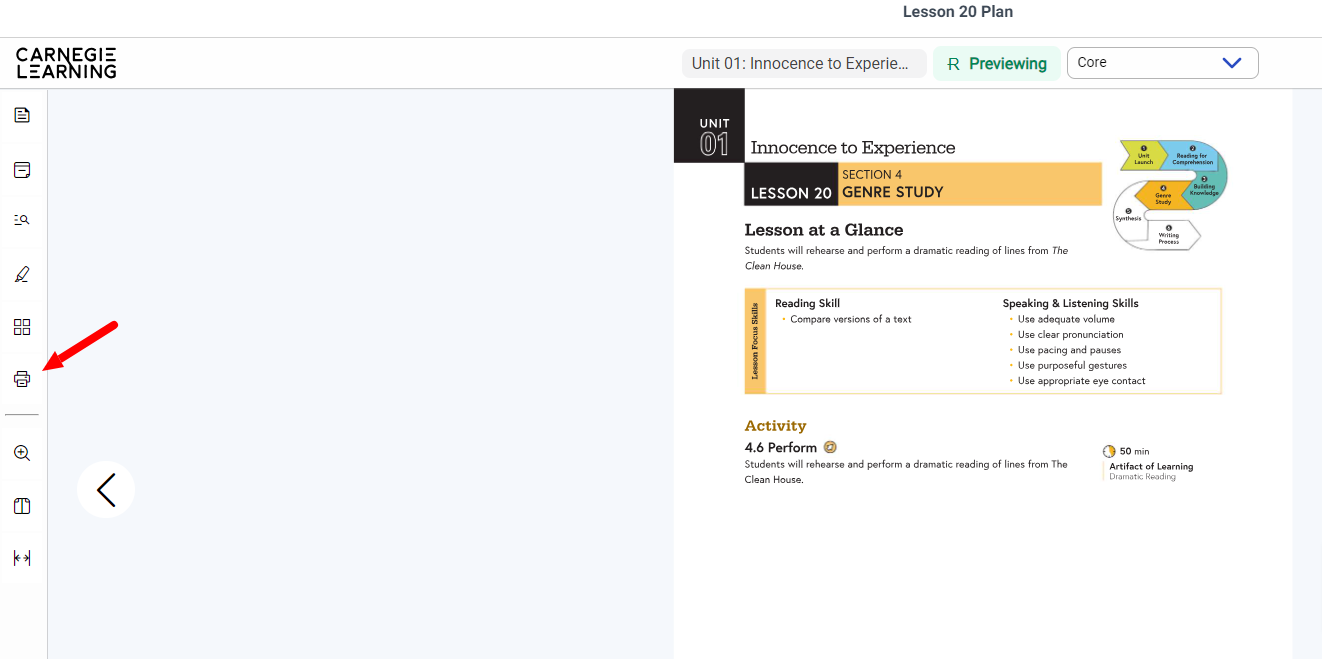
Print Teacher Resources by clicking the printer icon in the toolbar on the far left.
Teachers can save or print a PDF version of the student text in one of two ways.
Go to the Unit Overview and click on Text and Media Selections.


You can also print a text directly from the lesson.
4. Click to open a lesson.
5. Click the Printer Icon in the left toolbar.

6. Follow the directions above.
If you have further questions, please contact Customer Support at 877.401.2527 or https://support.carnegielearning.com/help-center/ and click on Contact Customer Support in the upper right hand corner.
