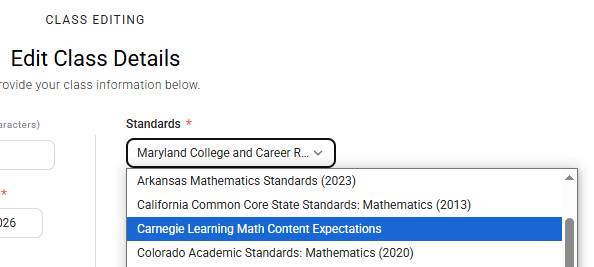
Setting standards in your Clear Learning Center class helps ensure that interactive assignments and assessments are aligned to the learning goals that matter most for your students. Once standards are selected, any interactive content you assign will be tagged to those standards, providing meaningful connections between instruction, practice, and assessment. This alignment also enables powerful reporting tools, such as the Interactive Assignment Report and Interactive Assessment Report, allowing you to monitor student progress, identify areas of strength and need, and make informed instructional decisions based on standards-level performance.