 | Note Tile: Provides a short description or some type of announcement. These tiles cannot be “opened,” as all of the information is seen on the face of the tile. |
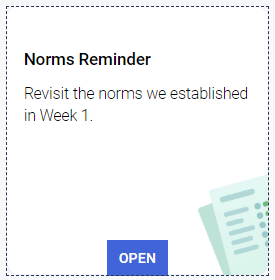 | Context Tile: Open these to view information that may include text, images, links, embedded videos, etc. |
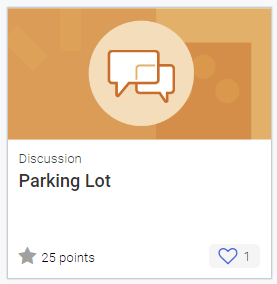 | Discussion Tile: These tiles offer space to record your thoughts and reflections and have the option to upload images or videos. You can also respond to other participants’ posts. |
 | Document Tile: Upon opening this tile, click the button to download a PDF or other document. |
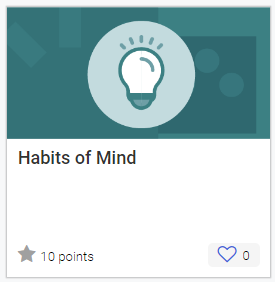 | External Link: This tile will have a button that links to another site that will open in a new browser tab. |
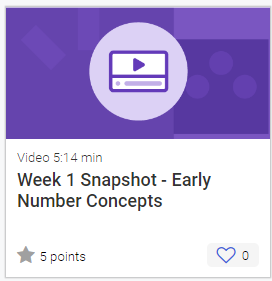 | Video Tile: These tiles contain a video to watch. There is an option to view a transcript for the video as well. |
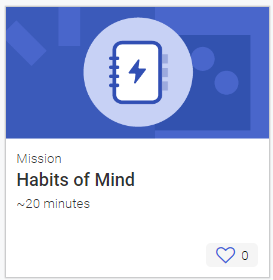 | Mission Tile: Throughout a mission, you might complete various tasks, answer questions, reflect on content, or upload photos of your work. At the end of the mission, your work is shared in a field report viewable by the other participants. |
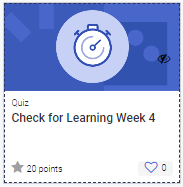 | Quiz Tile: These tiles contain questions to review learned content. Sometimes these are self-checking. |
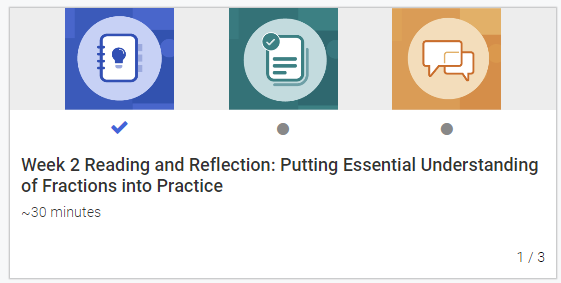 | Learning Path: This set of tiles groups related content together for another layer of organization. |
 | Project Tile: These tiles contain assignments with specific due dates. The files you upload are not viewable by other participants unless there is a peer review involved. |
